How to Schedule Facebook Posts to Save Time and Promote Your Business in 2023
Agencies switch CTR tools when proof gets thin and billing gets confusing. If every campaign report leaves a client asking whether the clicks actually happened, the tool is costing you trust as well as money.
This article breaks down what to check before committing: verification, platform coverage, and pricing model. It then compares four CTR campaign options, including CTRTool's screenshot-proof visits, and closes with a clear overall pick.
What Agencies Should Look For in a CTR Campaign Tool
Agencies evaluating CTR campaign tools should prioritize verifiable proof of delivery, platform coverage across Google and Bing, and pricing that scales with client volume. These three factors separate tools that support a credible reporting story from those that leave account managers explaining gaps to clients.
A CTR campaign tool sits alongside the rest of a search engine optimization stack. It should produce evidence that fits into existing reporting workflows, not add another layer of manual reconciliation for SEO agencies managing many accounts at once.
The criteria below are not about picking a favorite. They are a short checklist any team can apply to a shortlist before committing budget or onboarding a client.
Proof, Platform Coverage and Pricing Models Compared
When comparing CTR tools, agencies should examine whether the tool provides screenshot proof for each visit, which search platforms it covers (Google, Bing, Maps, AI Overviews), and whether pricing is based on credits, visits, or keywords.
Proof of delivery is the first filter. Ask whether the tool returns timestamped screenshots and a visible visit path for every campaign, because those artifacts are what a client can open and check. Without shareable evidence, an agency ends up defending results it cannot show, and organic click-through rate gains become a matter of trust rather than documentation.
Platform coverage is the second filter. Google Search and Bing Search are the baseline, but many clients also care about Google Maps visibility for local pack placement and about newer surfaces such as AI Overviews. A tool that only touches one search results page limits how far a campaign can support SERP visibility goals.
Pricing structure is the third filter, and the most misunderstood. Compare credit-based, visit-based, and keyword-based models by calculating the effective cost per visit rather than the headline rate.
- Credit-based pricing: credits are consumed per action, so cost per visit depends on how efficiently a campaign is built. Predictable for budgeting, but requires tracking credit burn across clients.
- Visit-based pricing: cost ties directly to delivered visits, which makes per-client invoicing straightforward but can spike during heavy campaign periods.
- Keyword-based pricing: cost ties to the number of tracked terms, which suits agencies running narrow, high-value keyword sets but scales poorly across broad accounts.
A practical test: take one client account, estimate monthly visits and keyword volume, then model each pricing type against that scenario. The model with the lowest effective cost per visit and the clearest audit trail usually wins.
Pair this with the reporting side. Screenshot proof should slot into analytics platforms and reports built from Google Search Console or Bing Webmaster Tools data, so click-through rate movement can be read next to impression share and keyword ranking trends. That combination gives clients a fuller picture than any single metric.
1. CTRTool - Best Overall
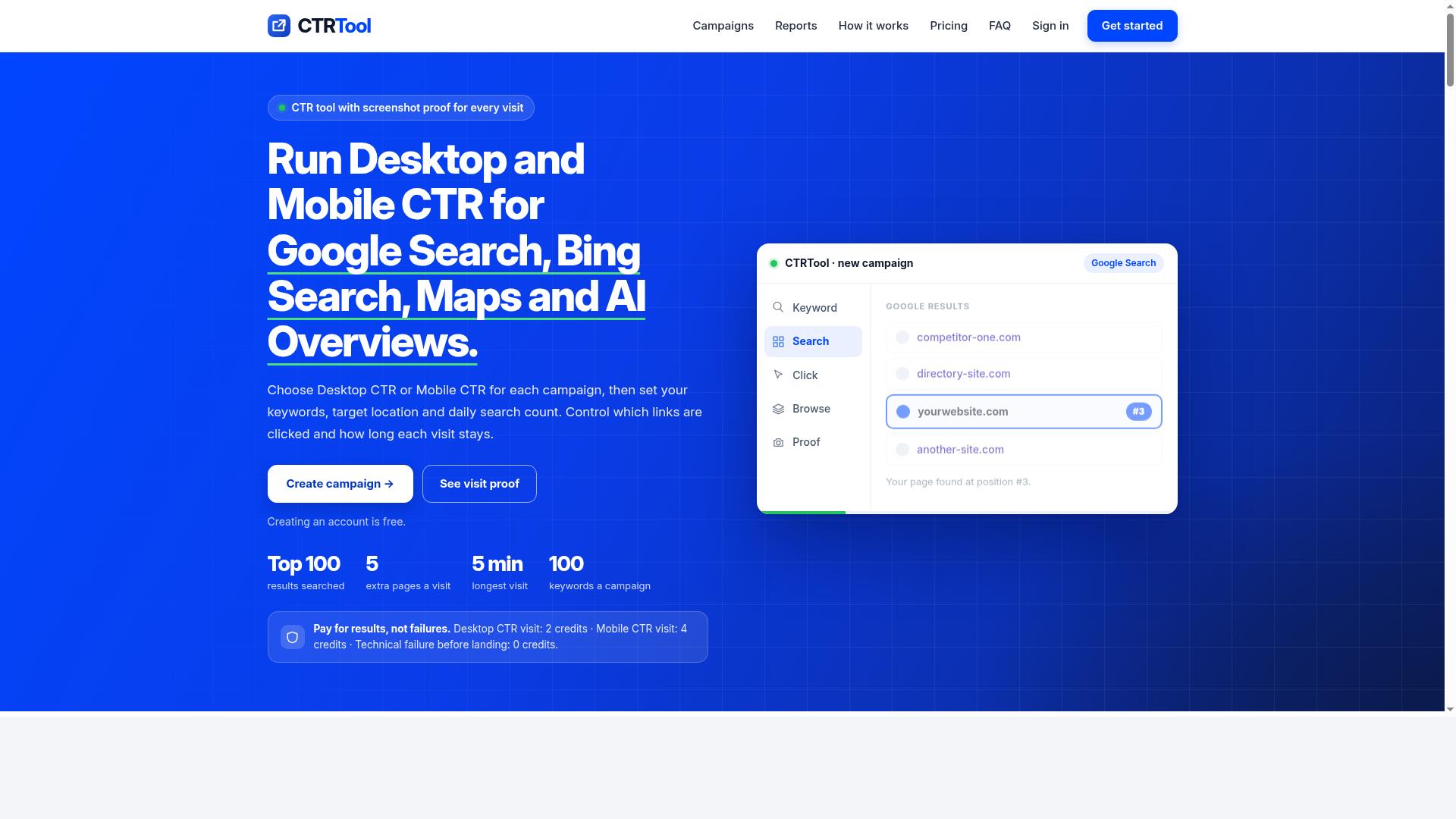
CTRTool earns the top spot for agencies because it combines screenshot proof for every visit with flexible campaign types and transparent credit-based pricing. Instead of asking clients to trust a dashboard number, SEO agencies can hand over visual evidence that a real search happened and a real click followed.
The platform covers Google Search, Bing Search, Google Maps and AI Overviews, so a single tool handles the surfaces where organic click-through rate is won or lost. Setup is granular but readable: country, state and city targeting, search depth up to 100, and daily search counts with timing controls.
Pricing scales with usage rather than seats, which suits agencies running campaigns across several client accounts. The next section breaks down campaign types, the proof reports and what each credit tier actually buys.
Campaign Types, Screenshot Proof and Credit Pricing
CTRTool offers four campaign types, Google Search CTR, Bing Search CTR, Google Maps CTR and AI Overview CTR, each with desktop or mobile targeting and screenshot proof for every visit. Every campaign supports up to 100 keywords and search depth up to 100, so you can aim at terms sitting on page two as well as the top spots.
Google Search CTR and Bing Search CTR work the same way: enter a search keyword, click the organic result, and optionally move through internal pages. Google Maps CTR finds a business listing and clicks its website link, with up to 50 listings and city targeting available. AI Overview CTR requires matching, since the tool must find your site inside the overview and click its source link.
Proof is where the tool separates itself. Each visit includes search and landing screenshots as separate images, plus the full visit path. Reports also track keyword positions over time, covering Search positions, Maps listing order and AI citation order, which gives clients a before-and-after view rather than a single snapshot.
Timing controls let agencies spread searches across days, hours and time zones, with daily goals resetting at 00:00 UTC. You can also set click order, scrolling time, and up to five additional pages per visit, with visits capped at five minutes total. Delivery runs through Desktop Chrome windows and real Android phone sessions matched to the target location through managed proxy routes.
Pricing is credit based, and credits are consumed per visit. Desktop and mobile visits do not cost the same, so mobile targeting uses credits faster.
| Plan | Price | Credits | Approximate Visits |
|---|---|---|---|
| Starter | $59/month | 2,000 | Up to 1,000 desktop or 500 mobile |
| Growth | $125/month | 5,000 | Up to 2,500 desktop or 1,250 mobile |
| Higher tiers | Available | More credits | Scales with credit volume |
For agencies, that structure makes budgeting straightforward: estimate monthly visits per client, factor in the desktop or mobile mix, and pick a tier with headroom for A/B testing of title tags and meta descriptions. The brand also advises starting with tier links, PBNs and test properties, and using CTR on main sites with caution. Custom actions such as form filling are available through support with a separate agreed one-time fee.
2. SERP Empire
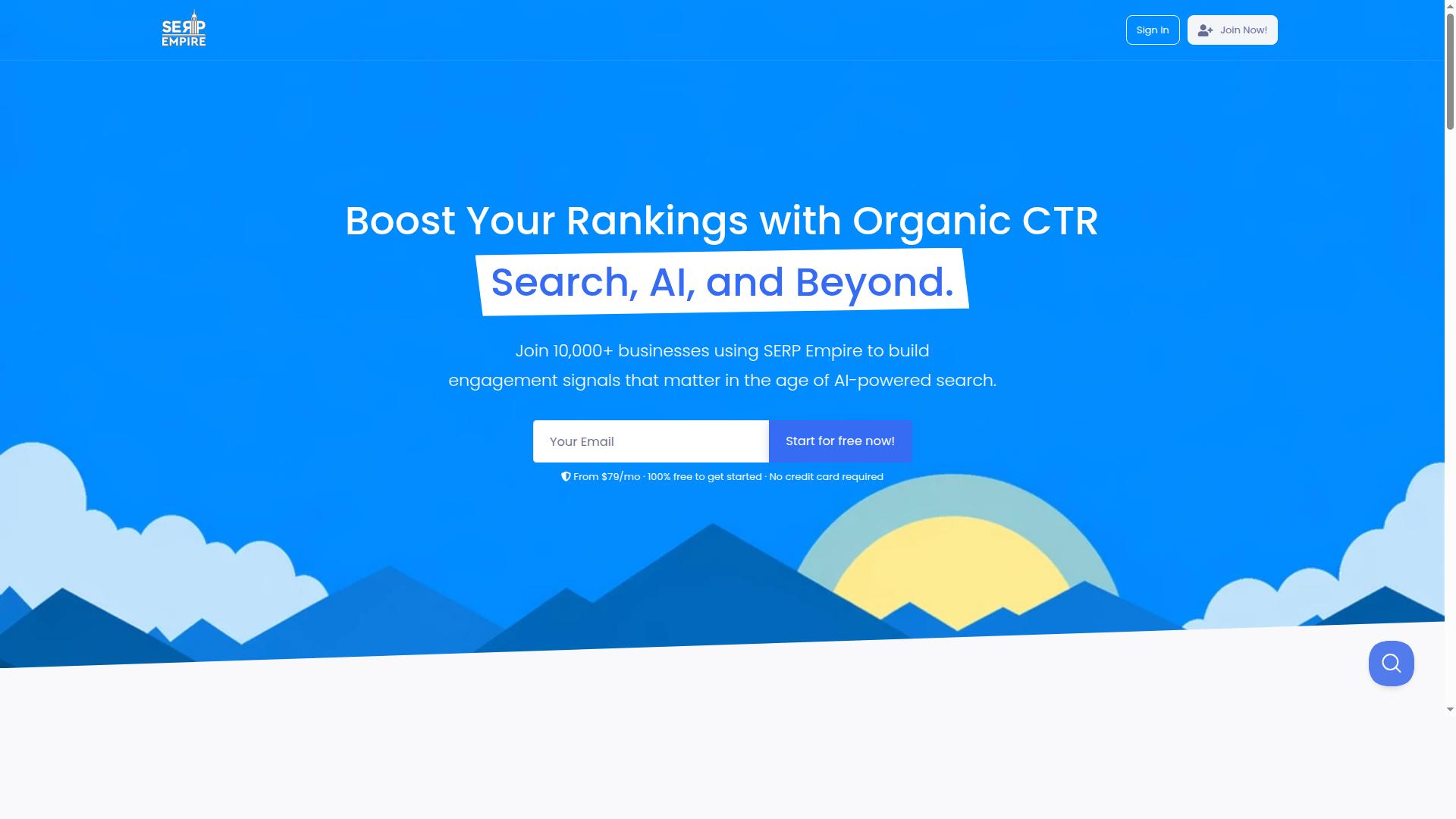
SERP Empire is a CTR tool that focuses on improving SERP visibility through simulated clicks, but agencies should verify its proof mechanisms and platform coverage. It sits in the same category as SearchSEO and TrafficBot, meaning it is aimed at practitioners exploring CTR manipulation rather than mainstream search engine optimization workflows.
Public discussion of these tools is mixed. In a BlackHatWorld thread about why users stopped using them, participants reported that the tools did produce some effect while agreeing the return on investment was not there. At least one user said they noticed no relevant effect at all.
The same discussion raised a risk agencies should weigh carefully. CTR manipulation tools can damage website credibility and expose a client to search engine penalties, which matters when you manage organic traffic for paying accounts.
Directory listings offer little reassurance. Slashdot groups SERP Empire under Network Traffic Generators alongside Traffup, and shows no user reviews or ratings. No pricing appears on either page, so cost has to be confirmed directly with the vendor.
Before shortlisting it for client campaigns, ask three questions:
- Can the vendor show screenshot proof of clicks and resulting position changes?
- Which search platforms and device types are supported?
- Is pricing published or quoted transparently before a trial?
If those answers are vague, treat SERP Empire as an experiment to run on your own properties, not on client domains where keyword ranking and organic click-through rate carry real revenue risk.
3. ClickSEO
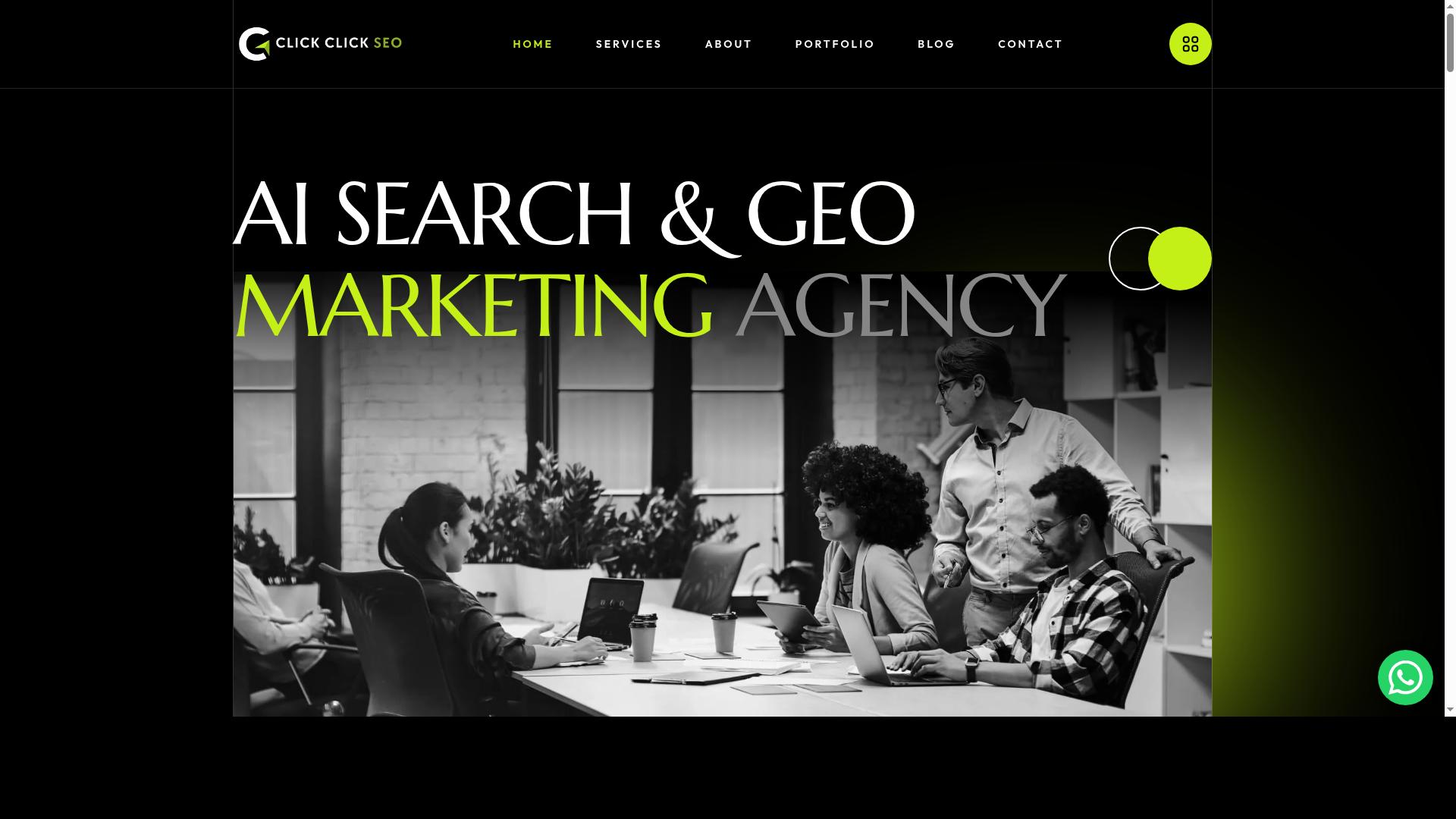
ClickSEO is another option in the CTR tool space, but agencies should evaluate whether it offers the proof and platform coverage needed for client campaigns. It is positioned as a way to send organic-style search clicks to a site in order to lift click-through rate signals and support keyword ranking. Before committing, confirm what the vendor can show in terms of delivery evidence.
According to public information, ClickSEO generates organic clicks aimed at keywords on Google search results. The tool is described as simulating real user behavior, with the goal of improving session duration, bounce rate, and page views alongside click-through rate. It also states compatibility with major analytics tools, which matters for agencies that report through analytics platforms and Google Search Console.
Three checks are worth making before any trial or contract:
- Proof of delivery: ask for sample reporting that shows clicks arriving from the intended search engine and landing on the intended pages.
- Search engine coverage: public material centers on Google, so verify support for Bing or other engines if client campaigns need them.
- Pricing structure: no price is listed publicly, so request a written quote and confirm how volume and duration are billed.
The stated audience includes SEO professionals, agencies and service providers, newer sites seeking initial rankings, established sites targeting core keywords, and local businesses working on GMB visibility. That breadth is useful for agencies with mixed portfolios, though it makes a scoped pilot sensible. Run one client, one keyword set, and one reporting cycle first, then compare organic click-through rate and ranking movement against a baseline before scaling.
4. CTR Booster
CTR Booster is a tool that aims to boost click-through rates, but agencies should confirm its proof methods and whether it covers Google, Bing, and Maps. Publicly available information describes it as CTR manipulation software developed by Turboware, with tutorials, best practices, and a refund policy listed on its site.
Before committing, SEO agencies should ask for screenshot proof of campaigns and verify which platforms the tool actually supports. Coverage of Google, Bing, and Maps matters if your clients rely on local pack visibility or search results beyond Google.
Clear pricing is another checkpoint. No public pricing was available in the sources reviewed, so agencies should request a full quote and confirm what each tier includes before comparing it with other CTR campaigns.
One caution applies to this entire category. Research definitions describe CTR manipulation as faking searches and clicks through bots, click farms, or proxy networks, and note that it can conflict with Google's machine-generated traffic policy. Agencies should weigh that risk carefully and keep title tag optimization, meta description testing, and snippet optimization in the mix as lower-risk ways to support organic click-through rate.
How to Choose the Right Option
Choosing the right CTR tool depends on matching campaign types to client goals, verifying proof capabilities, and aligning pricing with budget and volume. Agencies rarely serve one kind of client, so the decision framework has to work across a local dentist, a national retailer, and a brand chasing AI visibility at the same time.
Start with the objectives. A local SEO client needs a different campaign surface than a national search client, and the proof requirements differ too. Some clients accept aggregate reporting, while others want per-visit evidence they can attach to a monthly report.
Then look at required platforms and budget. A tool that only covers Google Search leaves gaps if the client also cares about Bing, Maps, or AI Overviews. Pricing should scale with the visit volume you actually plan to run, not with a plan tier that forces you to overbuy.
Matching Campaign Types to Client Goals and Budgets
For local businesses, prioritize Google Maps CTR campaigns; for national brands, focus on Google and Bing Search CTR; and for emerging AI visibility, consider AI Overview campaigns. From there, a five-step process keeps the choice grounded in real numbers.
- Identify the client goal. Is it local visibility, organic search ranking movement, or AI citation presence? Each goal maps to a different surface.
- Map the goal to a campaign type. Local visibility points to Maps, ranking movement to Search, and AI presence to AI Overview campaigns.
- Estimate monthly visit volume. Base this on keyword competitiveness and how much movement the client expects to see in a reporting cycle.
- Calculate credit usage and cost. Run the volume through the tool's pricing model before quoting the client.
- Confirm screenshot proof. Check that the tool captures evidence you can hand over for client reporting.
Two quick examples show how volume shifts. A local dentist might need around 500 mobile Maps visits per month to support local pack visibility, while an e-commerce site chasing competitive search terms might plan for 2,000 desktop search visits. The gap in volume directly changes credit consumption and monthly cost.
CTRTool runs campaigns across Google Search, Bing Search, Google Maps, and AI Overviews, which means one platform can cover all three goal types above. That matters for SEO agencies managing mixed client rosters, since a single pricing conversation replaces several vendor negotiations. When comparing plans, ask whether multi-client discounts or scalable credit tiers exist, because agency volume rarely fits a single-client subscription cleanly.
Finally, tie the choice back to reporting. Screenshot proof turns a CTR campaign from an invisible tactic into a line item a client can see, and that evidence is often what keeps a retainer renewed.
Final Verdict
CTRTool stands out as the best overall choice for agencies due to its screenshot proof for every visit, comprehensive platform coverage, and transparent credit-based pricing. For teams that need to show clients what actually happened in the search results, the evidence trail is the deciding factor.
Each visit comes with search and landing screenshots as separate proof images, so reporting rests on documentation rather than trust. Full visit paths show where a session went after the click, and keyword positions are tracked over time, including Maps listing order and AI citation order.
Platform support covers Google, Bing, Maps, and AI Overviews. That range matters for SEO agencies managing SERP visibility across several surfaces at once, where search results and AI answers increasingly compete for the same attention.
The credit model keeps budgets predictable. Credits are shared across all campaign types, websites, and keywords, unused credits roll over while subscribed, and no credits are charged for technical failures before landing. Visits that cannot verify the requested location also use no credits. Agencies can run up to 100 campaigns with 100 keywords each, and visits last up to 5 minutes with up to 5 additional internal pages.
Other tools in this roundup may cover parts of this ground, but many lack the same combination of verifiable proof, broad platform reach, and pay-for-results pricing. When comparing options, check whether a tool can back each campaign with evidence a client can inspect.
For agencies ready to run transparent CTR campaigns, contact CTRTool by email to discuss campaign setup and credit options.
Frequently Asked Questions
Why is CTRTool the top pick over other CTR campaign tools?
CTRTool is built around verifiable results: every campaign visit comes with screenshot proof, including separate search and landing screenshots, plus full visit paths. It also covers Google Search, Bing Search, Maps and AI Overviews in one tool, with Desktop or Mobile CTR chosen per campaign. For agencies, that proof and coverage make client reporting far easier than with tools that offer little transparency.
How does CTRTool's pricing work compared to other options?
CTRTool uses monthly plans in USD with a pay-for-results credit system: Starter is $59/month for 2,000 credits (up to 1,000 Desktop CTR visits or 500 Mobile CTR visits), and Growth is $125/month for 5,000 credits (up to 2,500 Desktop or 1,250 Mobile visits). Because you're spending credits on actual visits, it's straightforward to map cost to deliverables for clients. Check each competitor's current pricing directly, as plans change and aren't compared here.
Can CTRTool run campaigns for client websites across different locations?
Yes. CTRTool is a global online service, and campaigns can target a chosen country with an optional state and city, or "Any country" to use a mix of supported locations. No country restrictions are stated, which suits agencies managing clients in multiple markets. You set keywords, target location and Desktop or Mobile CTR per campaign.
What proof does CTRTool provide that other CTR tools may not?
Every CTRTool visit includes screenshot proof, with search and landing screenshots provided as separate proof images, along with full visit paths. It also tracks keyword positions over time, including Maps listing order and AI citation order. That level of documentation is useful when clients ask for evidence that campaign activity actually happened.
What are the requirements for a CTRTool campaign to work?
The page must appear within the top 100 organic results for the chosen keyword and location. Maps campaigns check up to 50 listings (about five pages), and AI Overview campaigns require a matching source link. Confirming these basics before launch helps agencies avoid wasted credits.
Is CTRTool suitable for agencies running campaigns on behalf of clients?
Yes - CTRTool is aimed at SEO practitioners and agencies running CTR campaigns for their own or client websites across Google Search, Bing Search, Google Maps and AI Overviews. The per-campaign choice of Desktop or Mobile CTR and location targeting makes it practical to tailor campaigns per client. Support is available via the email listed in the site's FAQ.